

Select a location
Select date
Displays availability for one week
*Same-day availability is not shown
Select Date
: Closed
Loading calendar...
Searching for available vehicles
Easy How-to Guide
Perfect For:
Planning Long-Term Rental
See consecutive available days at a glance!
Business Trip / Travel Planning
Easy to schedule based on availability!
Last-Minute Changes
Quickly find available vehicles for tomorrow or the day after
Steps
STEP1
Select location and vehicle class
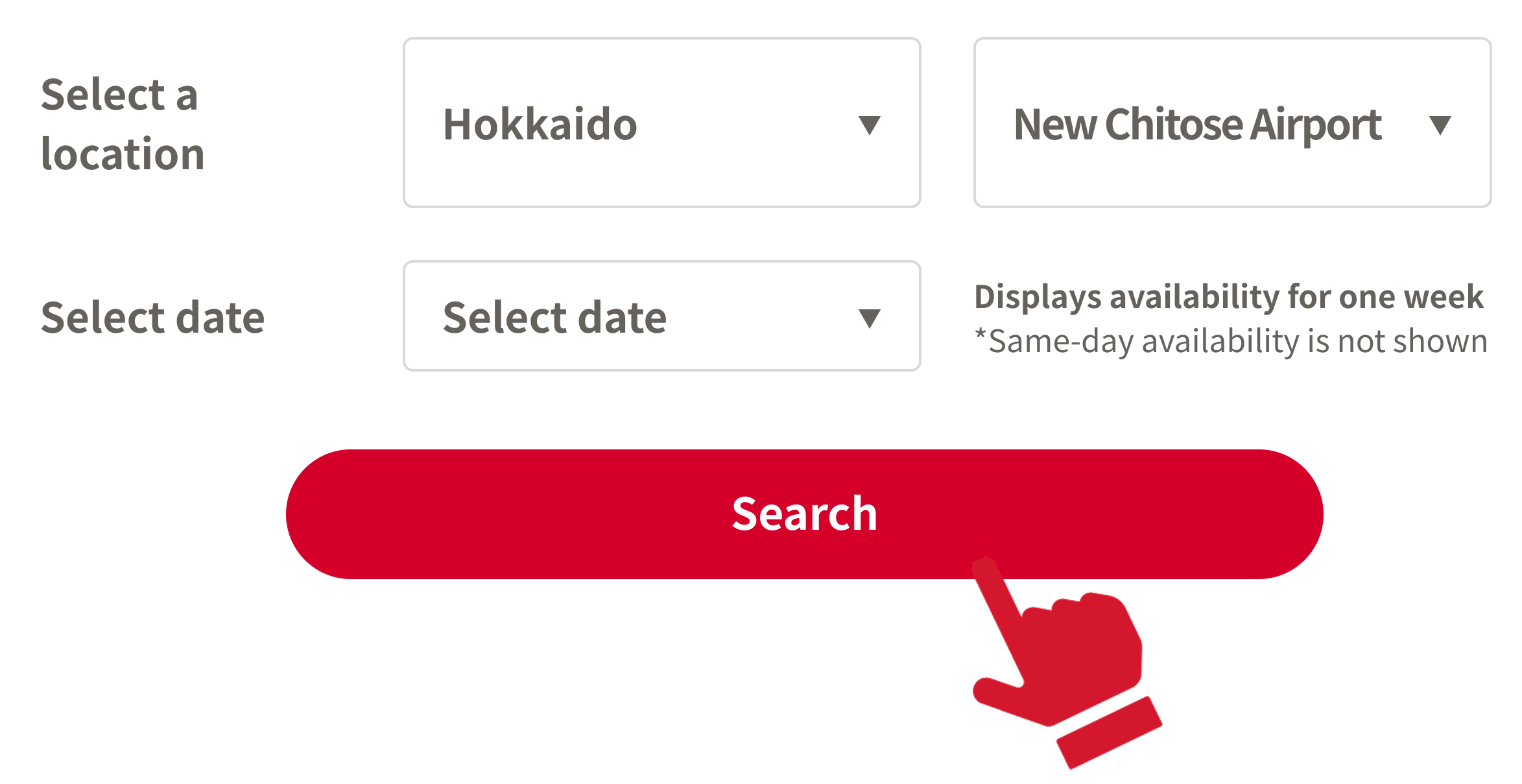
STEP2
Check available dates at once
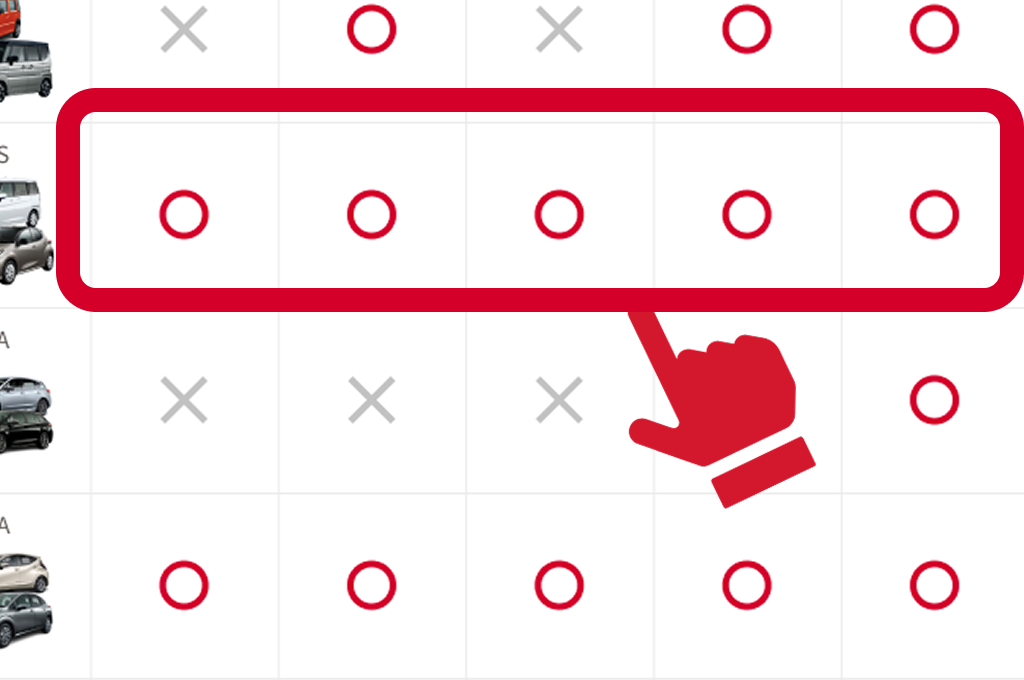
STEP3
Click 〇 on your preferred date to proceed with booking!
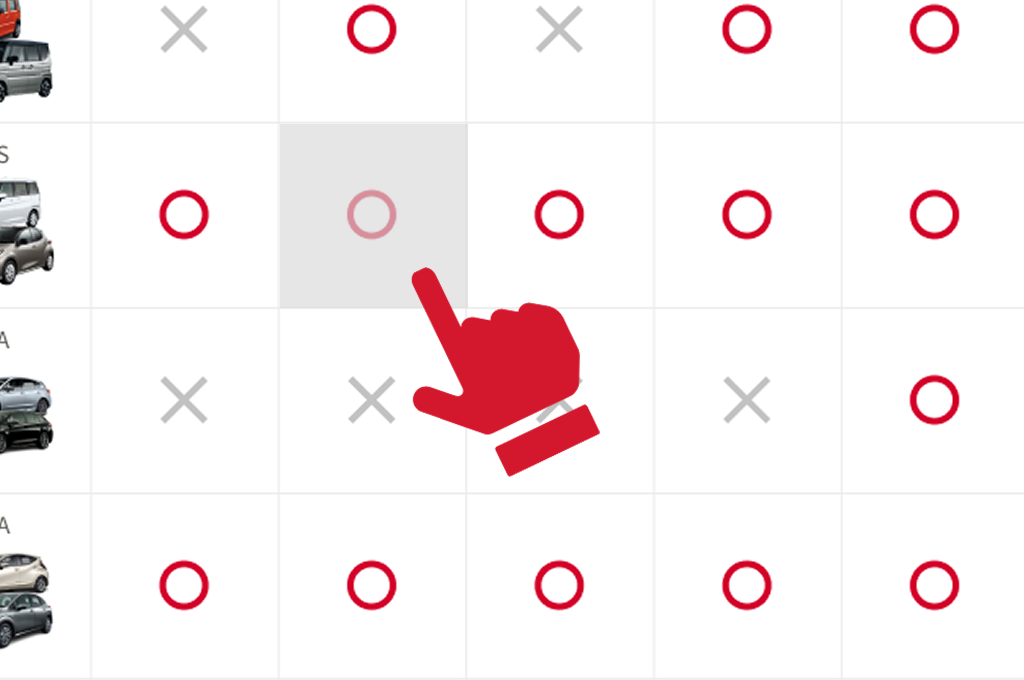
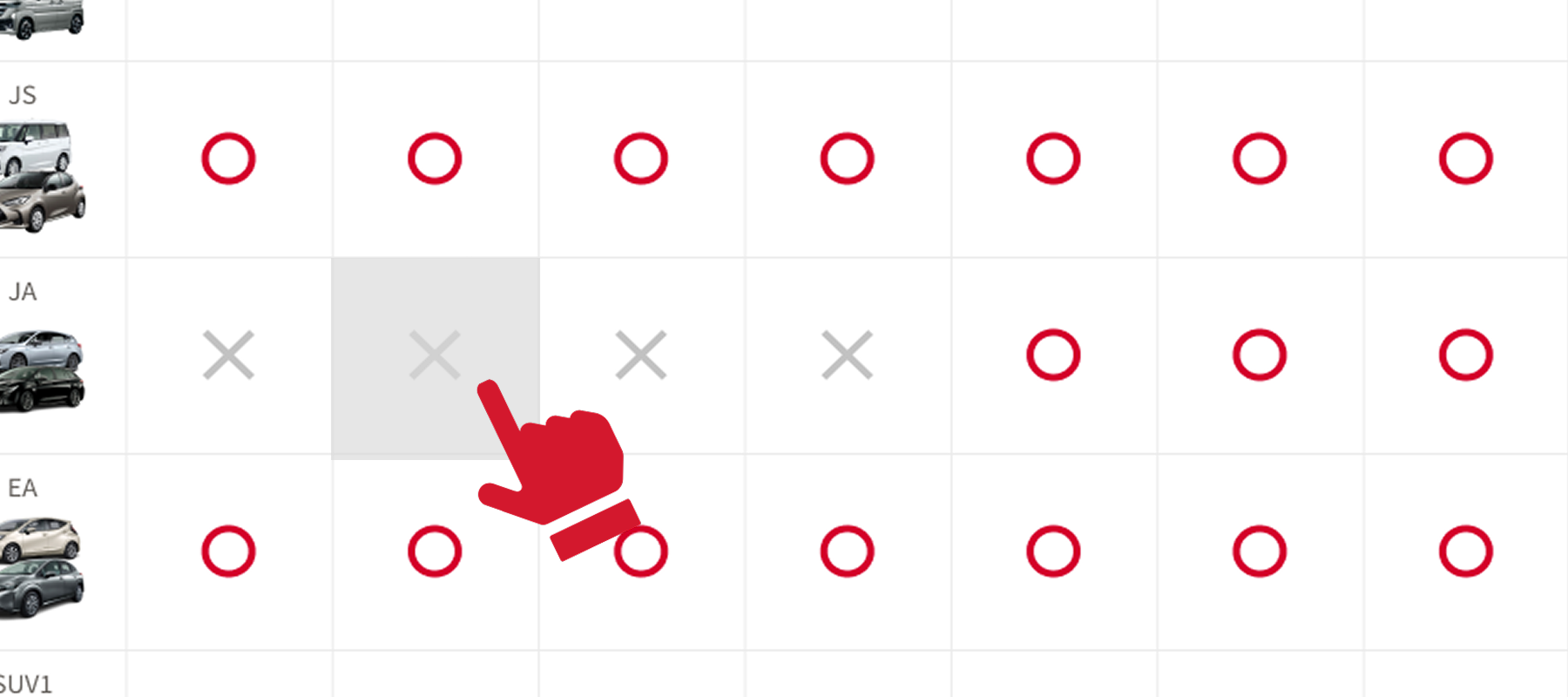
About 〇 and ✕ Indicators
〇 means available all day!
Example: If 〇 is available for 3 consecutive days, that means a 3-day rental is possible!
※If the rental period includes a regular closing day, rentals spanning that day are allowed.
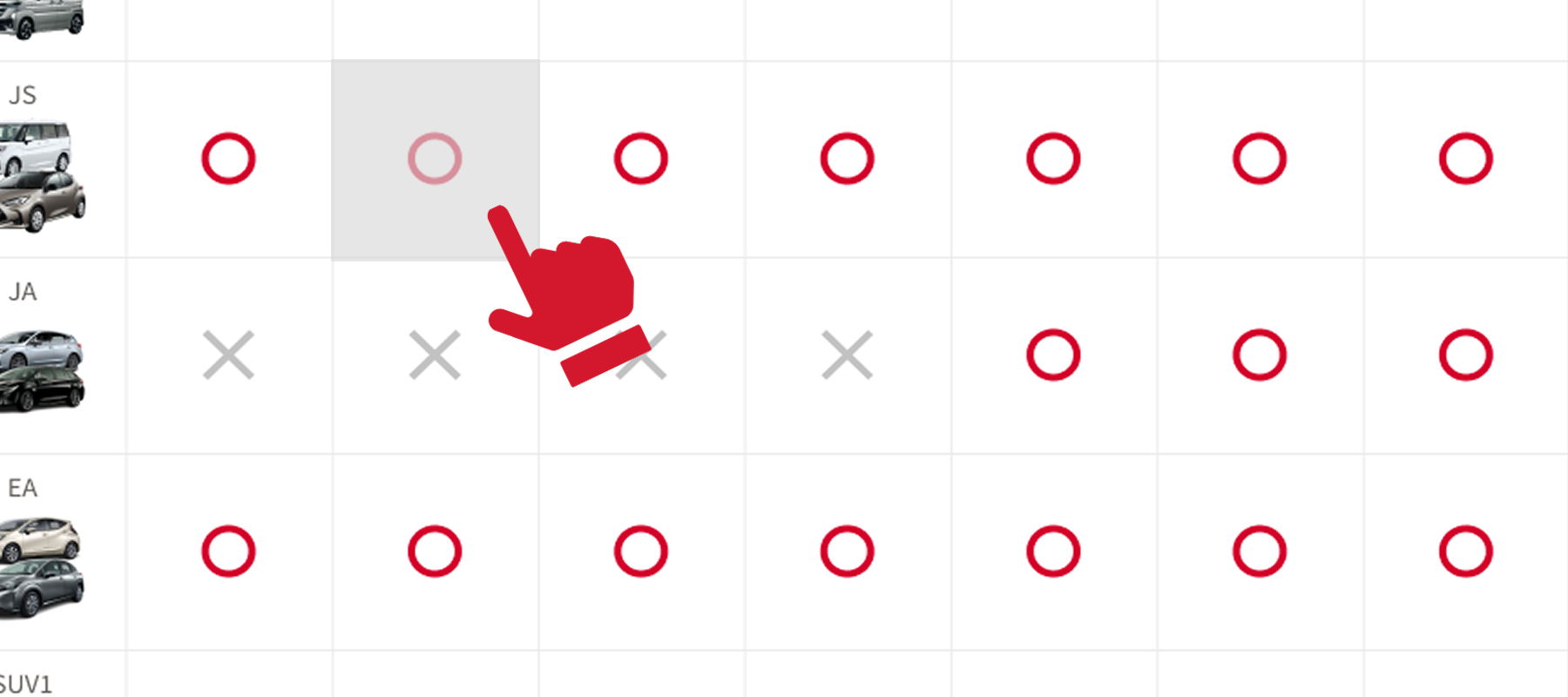
✕ means reservations are full for part of the day or the whole day.
In some cases, certain time slots (e.g. mornings) may still be available. Please check via the "Book Now" tab on the top right.